Collaboration platforms
Rooms and endpoints built for the platform an organisation already runs, rather than a platform chosen to suit the hardware.
Unified Communications · AV · Digital Signage
PhasedConnect designs, integrates and supports enterprise collaboration environments — from unified communications and meeting spaces to control rooms and digital signage.
Boardroom Plan · 12 positions · multi-camera
01 Solutions
Platforms, voice and endpoints as one environment
Room standards from huddle space to boardroom
Operational environments, video walls and routing
Corporate, public-facing, LED and content management
Audio, video, signal management and room control
Support, monitoring and lifecycle management
02 Why integration matters
Enterprise collaboration is not a collection of devices. A room only works when the platform, the audio, the video, the control system, the network and the people who support it behave as one environment.
Most estates are assembled the other way round: a camera here, a display there, a platform decision taken elsewhere, and a support arrangement that covers none of it end to end. The result is technically complete and operationally unreliable.
PhasedConnect designs the environment rather than supplying the parts. That means room standards that repeat, a platform architecture that survives the next change of endpoint, and one accountable route when something stops working.
UC architecture Platform · room · endpoint · network
03 Unified Communications
Rooms are only one surface. The same identity, the same directory and the same call quality have to hold on a laptop at home, a phone in a corridor and a boardroom on another floor.
Rooms and endpoints built for the platform an organisation already runs, rather than a platform chosen to suit the hardware.
Spaces that accept a visitor's laptop and their platform without a support call, and behave identically from floor to floor.
Calling that reaches the same directory as the rooms, with the network design, device enrolment and firmware governance behind it.
04 Room environments
Room standards are organised by how a space is used, not by which vendor is in it. A standard that repeats is what makes an estate supportable.
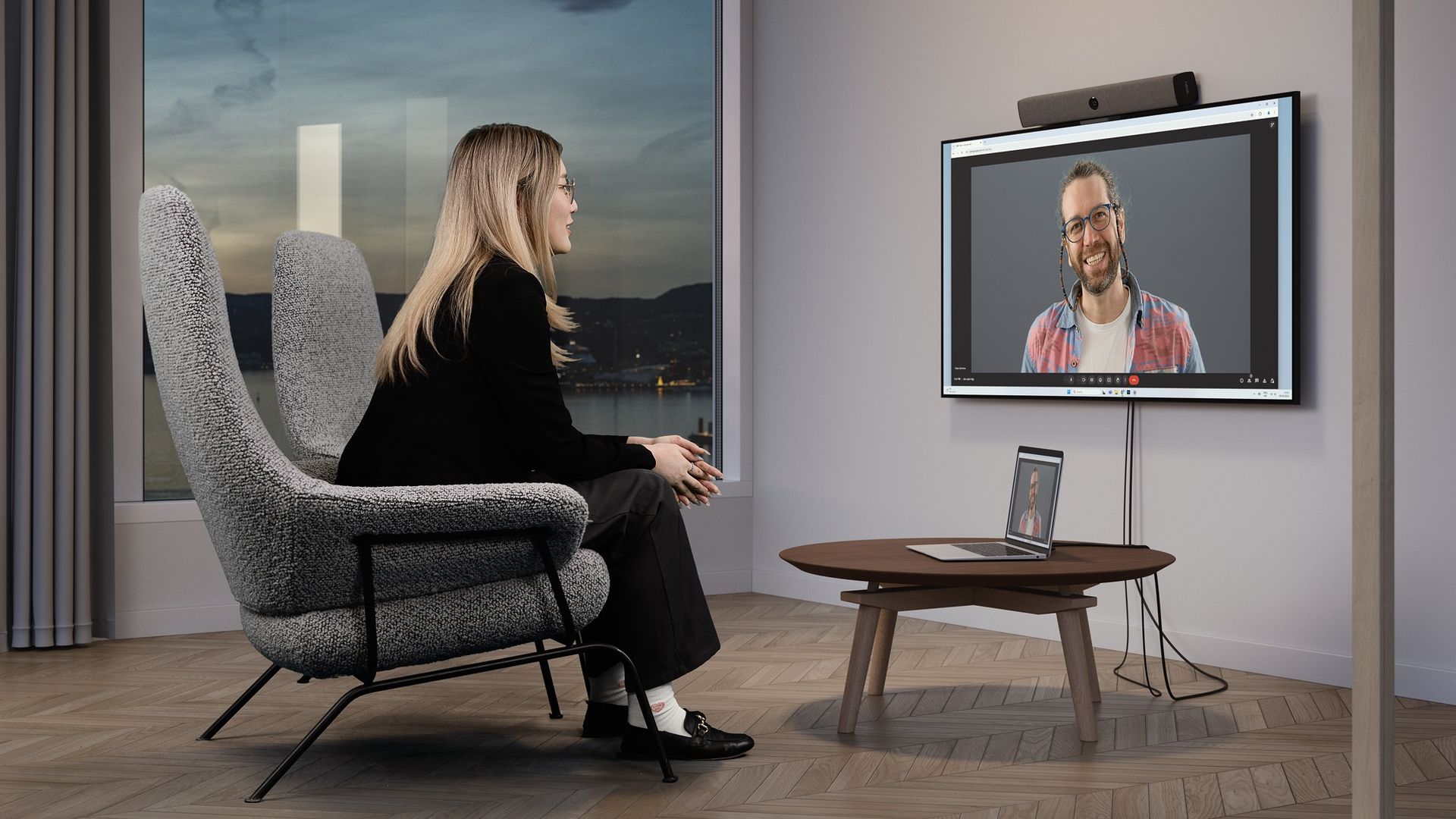
01
Small collaboration spaces where the technology has to disappear. One display, integrated audio, and a join experience short enough that nobody books a larger room to avoid it.
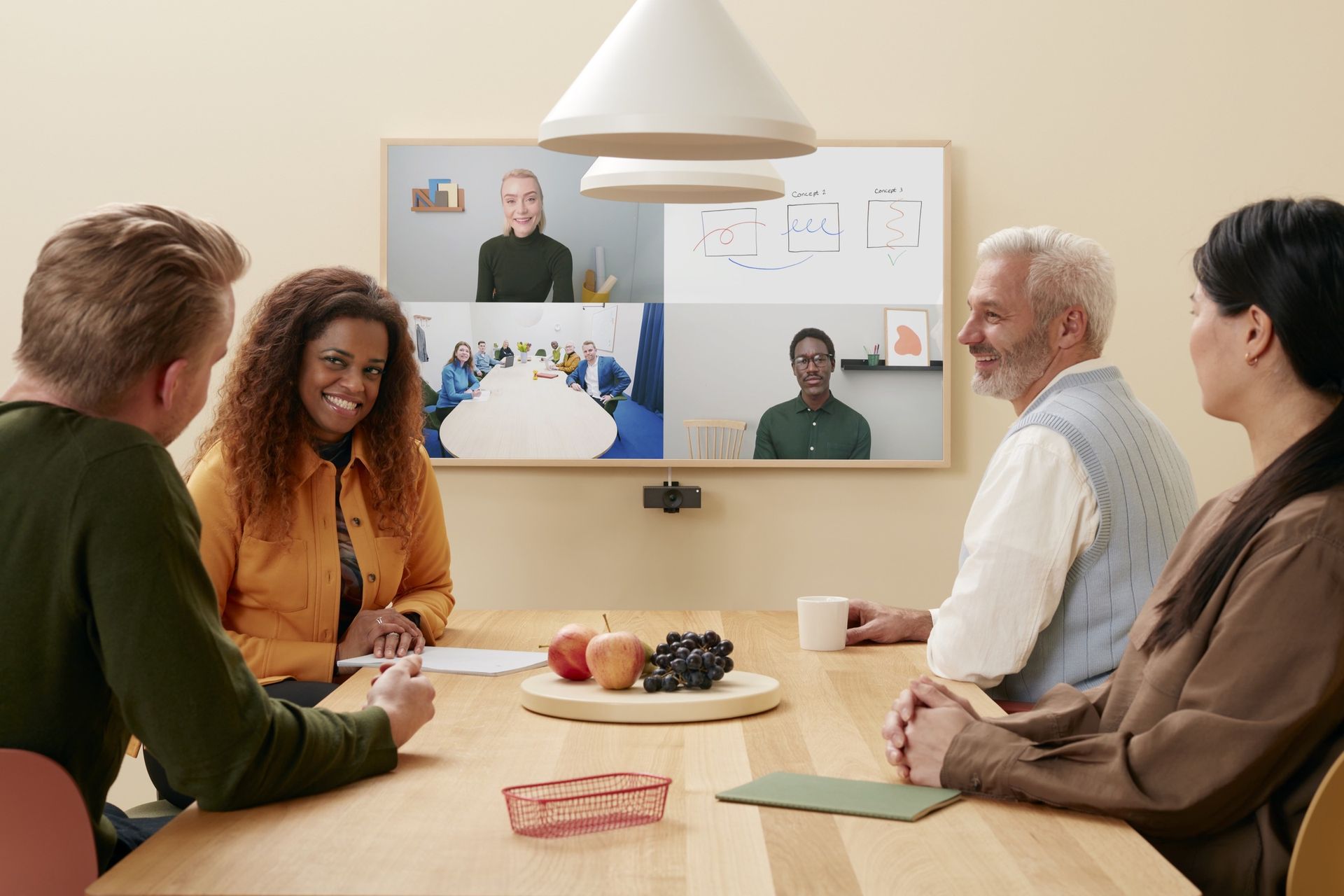
02
The standard that carries most of an estate. Consistent camera framing, microphone coverage that reaches the far end of the table, and identical behaviour from floor to floor.
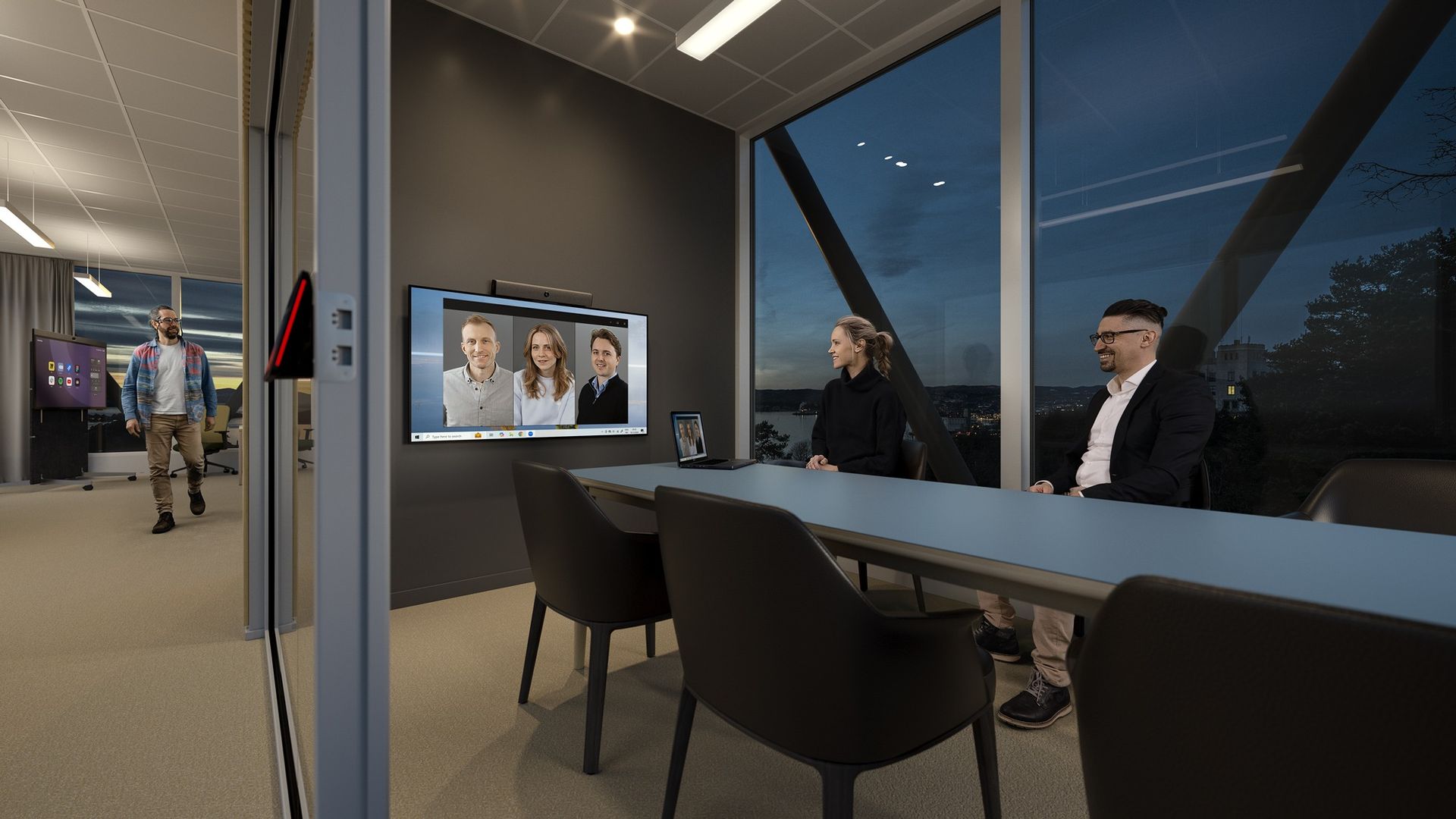
03
Spaces where a failure is visible to the people least able to work around it. Multi-camera, designed audio, and integrated control where the room genuinely warrants it.
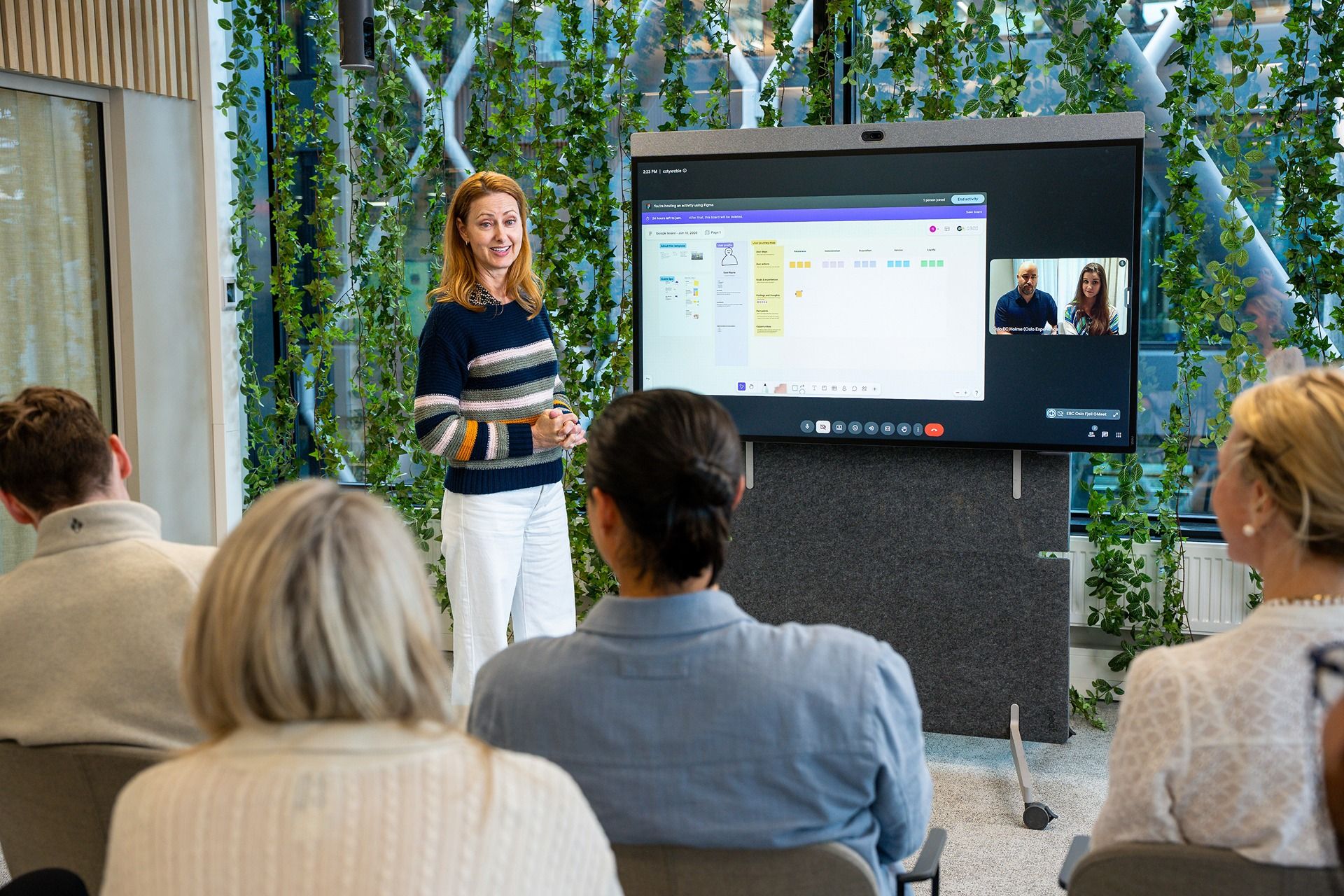
04
Environments built around a presenter and a room that answers back. Interactive displays, capture and streaming where sessions have to survive past the day they happen.
05
Video walls, routing and monitoring for rooms that run continuously. The design question is not resolution, it is what happens when a source, a display or a link fails.
06
Reception, corridors and shared floors, where the display is the only thing communicating. Managed as an estate rather than as a set of screens.
Signage estate Displays · content · management
05 Digital signage
A signage estate is not a set of screens. It is a content operation with a hardware layer, and it fails the same way every time: nobody owns what appears on it after the installation is signed off.
Internal communications, reception, employee information and workplace messaging.
Customer-facing information, wayfinding and window displays that stay legible in daylight.
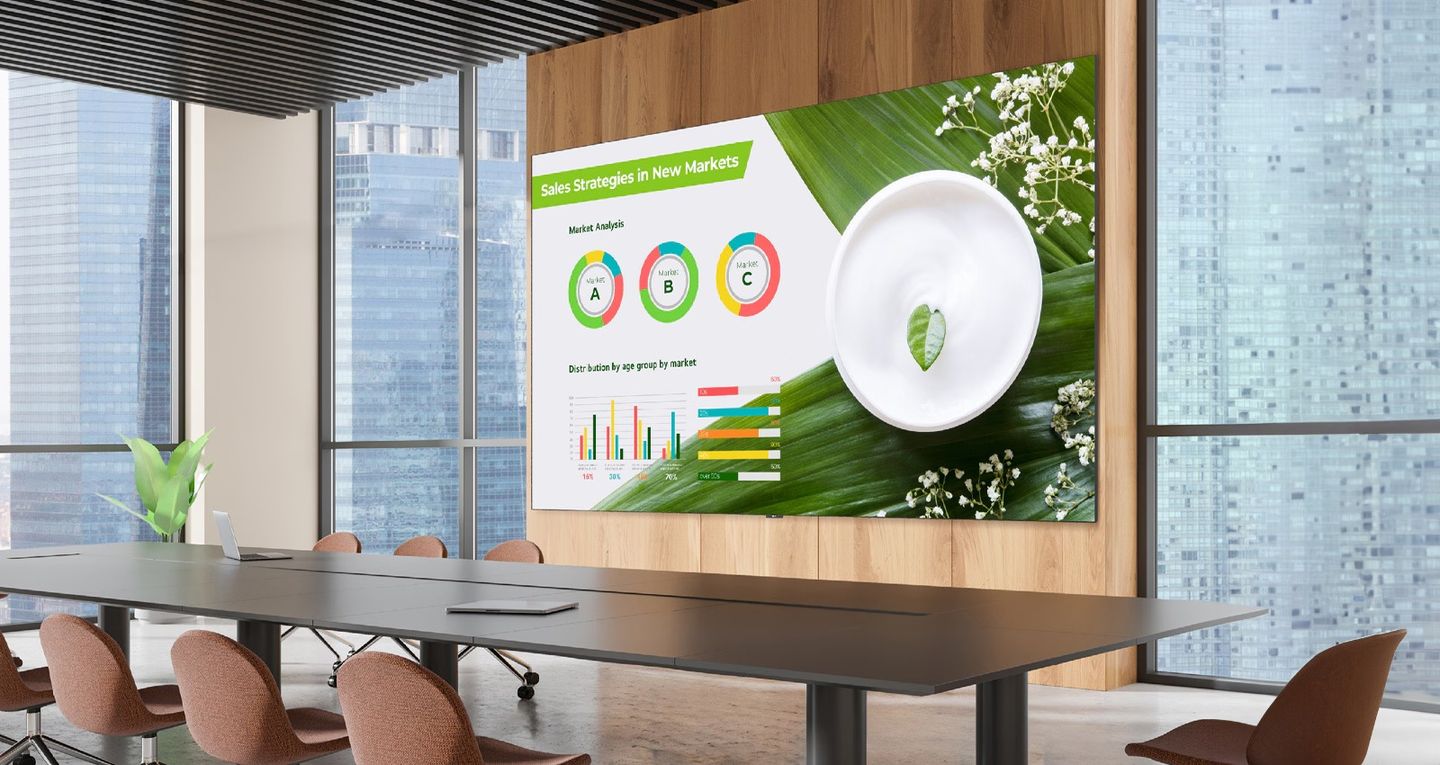
Boardrooms, auditoriums and operations centres, where the wall is the room's primary surface.
Scheduling, device monitoring, remote administration and lifecycle across the estate.
06 Critical environments
A control room is judged on a different axis from a meeting room. Nobody reschedules an incident because a display is dark, so the design question moves from quality to continuity.
Control room Wall · AV-over-IP · operators
01
AV-over-IP distribution, routing and switching sized for the number of sources that actually have to reach the wall.
02
Displays rated for continuous operation, and redundancy where a single path would otherwise take the room out.
03
Control surfaces an operator can use under pressure, and monitoring that reports a fault before someone reports it.
07 How we work
The same three phases apply whether the scope is four huddle rooms or an estate migration. What changes is the depth of each, not the sequence.
Phase 01
Requirements, architecture and room standards
Phase 02
Installation, integration and commissioning
Phase 03
Support, monitoring and lifecycle management
08 Technology ecosystem
Technology chosen around the requirement — not the other way around. The room standard is what stays consistent; what sits inside it is chosen for the space, the platform and the way the room is supported.
The environment is built for the platform you already run
Native appliances and compute-based rooms
Microphone coverage, camera work, capture and streaming
Commercial, high-brightness, video wall and all-in-one LED
Signal management, enterprise voice, control and the network beneath them
Listed as technologies PhasedConnect integrates. Nothing here asserts a partner tier, a certification or a reseller status.
Secure communications
For environments where communications, identity, infrastructure and cryptographic trust must remain under organisational control, PhasedConnect can integrate FortiqX as a sovereign secure communications layer.
Chat, mail, voice, video, meetings and files all converge on a single FortiqX post-quantum cryptographic core, written in Rust and compiled to WebAssembly.
Sovereign post-quantum communications for critical operations.
Explore FortiqXFortiqX is a separate company and product, integrated by PhasedConnect where sovereign secure communications are required.
Tell us what you have, what it has to become, and who has to keep it running.